Got microsoft 365 for office on my phone and laptop both
got microsoft 365 for office on my phone and laptop both. works across my pc tablet and phone seamlessly. had it up and running the same evening.

Guaranteed safe & secure checkout

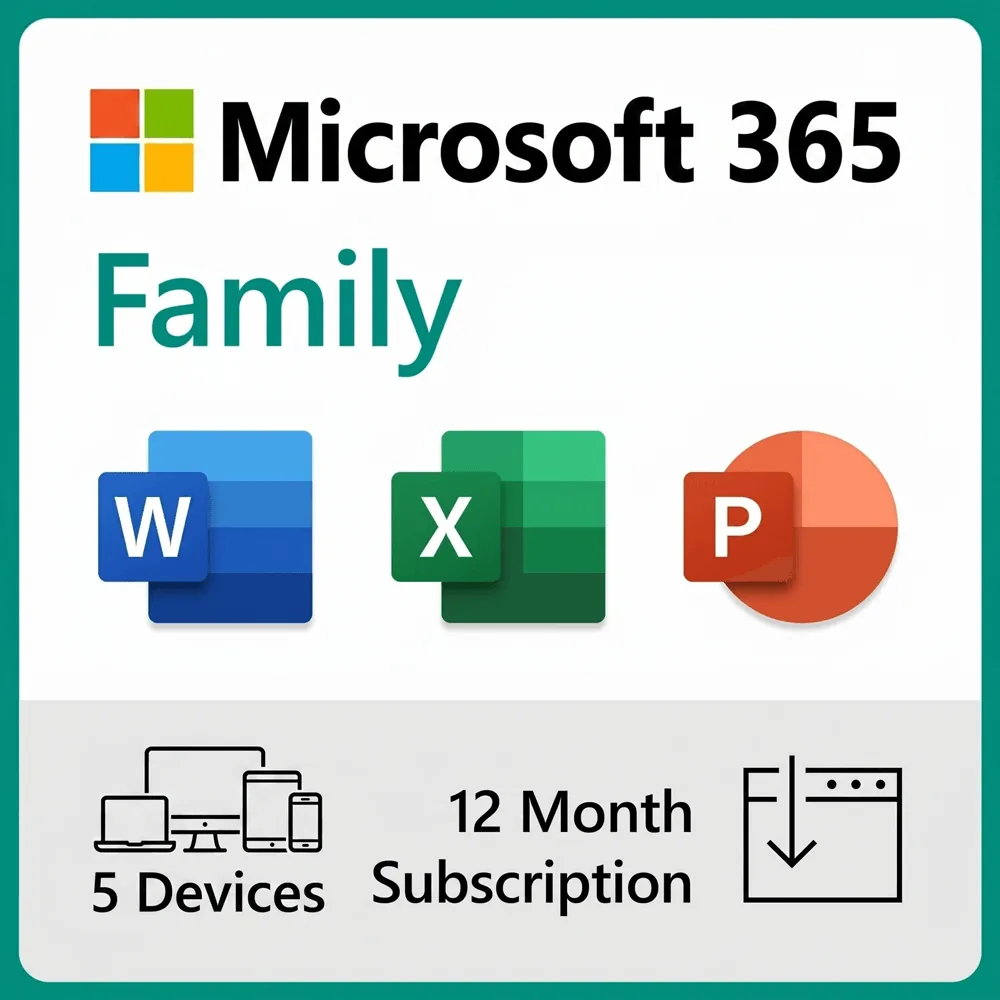
Microsoft 365 Family is a great way to ensure that you always have up-to-date versions of the latest Microsoft Office applications — including Word, Excel, and PowerPoint — while paying one affordable annual subscription fee. With this bundle, you get one year of Microsoft 365 Family on PC or Mac, all under a single plan, with use on up to 5 devices.
Microsoft 365 Family includes 1 TB of cloud storage, advanced security features, and innovative apps for you and your family, all in one plan.
App availability varies by device/language. Features vary by platform.
got microsoft 365 for office on my phone and laptop both. the one terabyte of onedrive storage is a huge bonus. showed up in my microsoft account right away.
After checkout, check your email for your product key. Go to microsoft365.com/setup (or setup.office.com), sign in with a free Microsoft account, and enter your key. Your 12-month Family subscription is added to your account, and you can then install the apps on any device.
You can install and use the apps on up to 5 devices at the same time — PC, Mac, iPhone, iPad, and Android phones and tablets.
Microsoft 365 Family is a 12-month subscription. This listing is a prepaid 1 year — it does not auto-renew unless you choose to extend it, so there are no surprise charges.
Word, Excel, PowerPoint, Outlook, and OneNote with premium features and offline access; 1 TB of OneDrive cloud storage; Microsoft Defender; Microsoft Editor; Clipchamp; and an ad-free Outlook inbox. Access and Publisher are also included on Windows PCs.
Yes. Microsoft 365 Family runs on Windows PCs and Macs, plus iPhone, iPad, and Android phones and tablets. App availability varies by device and platform.
1 TB of secure OneDrive cloud storage, kept private to your own Microsoft account login.
Your 12 months begin when you redeem the key in your Microsoft account, not on the purchase date — so you can buy now and start whenever you’re ready.
Keys are usually delivered within minutes. Check your spam or junk folder first. If it still hasn't arrived after 15 minutes, email contact@formfy.ai with your order number and we'll resend it promptly.
Yes. Because it is a subscription, you always have the newest versions of the apps and the latest features for the full subscription period.
Yes — that is the whole point of the Family plan. The plan owner can add up to 5 other people from the “Sharing” page in their Microsoft account; each person gets their own private 1 TB of OneDrive storage and their own sign-in.
No. This is a prepaid 12-month plan. There are no monthly charges, and it will not auto-renew unless you decide to extend it.
Yes. You redeem a genuine product key directly in your own Microsoft account, where it shows as a valid Microsoft 365 Family subscription.
Yes. Alongside your PC or Mac, you can install and use the apps on iPhone, iPad, and Android phones and tablets — up to 5 devices in total.
We offer a 30-day return window. If the key does not redeem and our support team is unable to resolve the issue, we will issue a full refund. Please see our Refund Policy for full details.
Yes. If your key has any redemption issue, reply to your delivery email or write to contact@formfy.ai and we will help you. Our support team typically responds within a few hours.